

Step-by-Step Guide to Creating a SharePoint Site in 2026
 Arsénio Ferraz
 The need for efficient digital collaboration and integrated document management is greater than ever in today’s organizations. SharePoint continues to set the standard for intranets, team collaboration, and business process automation, making it the platform of choice for many companies.
This article presents a complete, step-by-step guide to help you create a SharePoint site with confidence. Whether you are building a hub for communication, project management, or document storage, SharePoint 2026 offers new tools and features to optimize your process.
Here is what you can expect:
- Prerequisites and essential planning elements
- The complete site creation process
- Customization options for pages, navigation, and branding
- User management and advanced settings
- Best practices for successful implementation
Unlock the benefits of SharePoint 2026 by following this guide and discover how its enhanced capabilities can transform your organization’s digital workspace.
Understanding SharePoint 2026: What’s New and Why It Matters
As organizations increasingly seek efficient ways to collaborate and manage documents, the need to create a SharePoint site remains at the forefront of digital transformation. SharePoint 2026 builds on a solid legacy to offer even more powerful tools for modern workplaces. Understanding these changes is key to unlocking your site’s full potential.

SharePoint Evolution and Role in Digital Workspaces
SharePoint has continuously adapted to meet the demands of today’s digital workspaces. From its early days as a document management platform, it now supports collaboration for over 200 million users worldwide, according to Microsoft. The transition from classic to modern experiences brought a revamped interface, seamless integration with Microsoft 365, and optimized access for mobile devices.
Enhanced security and compliance features in SharePoint 2026 help organizations protect sensitive data while meeting regulatory requirements. AI-powered content management simplifies operations, making it easier to create a SharePoint site that meets complex business needs. Real-world examples include companies building robust intranets, centralizing knowledge, and automating document workflows to boost productivity.
Companies now leverage SharePoint to connect dispersed teams, facilitate project management, and ensure vital information is always accessible. These advancements underscore why SharePoint remains a top choice for digital collaboration.
Notable New Features in SharePoint 2026
The latest release brings a suite of new capabilities designed to make site creation and management more intuitive. Advanced site templates provide tailored starting points for common business scenarios, while improved customization options allow organizations to reflect their unique identity and workflows.
AI-driven content suggestions, enhanced search, and automation tools make it easier to discover relevant information and streamline daily tasks. The redesigned admin center simplifies management and introduces a faster, more efficient workflow to create a SharePoint site. Support for hybrid and cloud environments ensures flexibility for organizations of all sizes.
For a comprehensive overview of what’s new, check out New features in SharePoint Server Subscription Edition Version 25H1, which highlights improvements in templates, integration, and security.
Why Planning Matters Before Site Creation
Effective planning is the foundation of a successful SharePoint implementation. Aligning your site structure with business goals helps prevent common pitfalls, such as content sprawl and user confusion. Before creating a SharePoint site, clarify your objectives, define user roles, and map out site hierarchies.
Without careful planning, organizations risk inefficient navigation and information duplication. Defining clear goals ensures your new SharePoint site will support collaboration, compliance, and future growth. By considering governance, security, and content needs from the start, you lay the groundwork for a site that delivers real value.
A thoughtful approach allows teams to maximize SharePoint capabilities, adapt to evolving business requirements, and maintain a well-organized digital workspace.
Prerequisites and Planning: Preparing for Site Creation
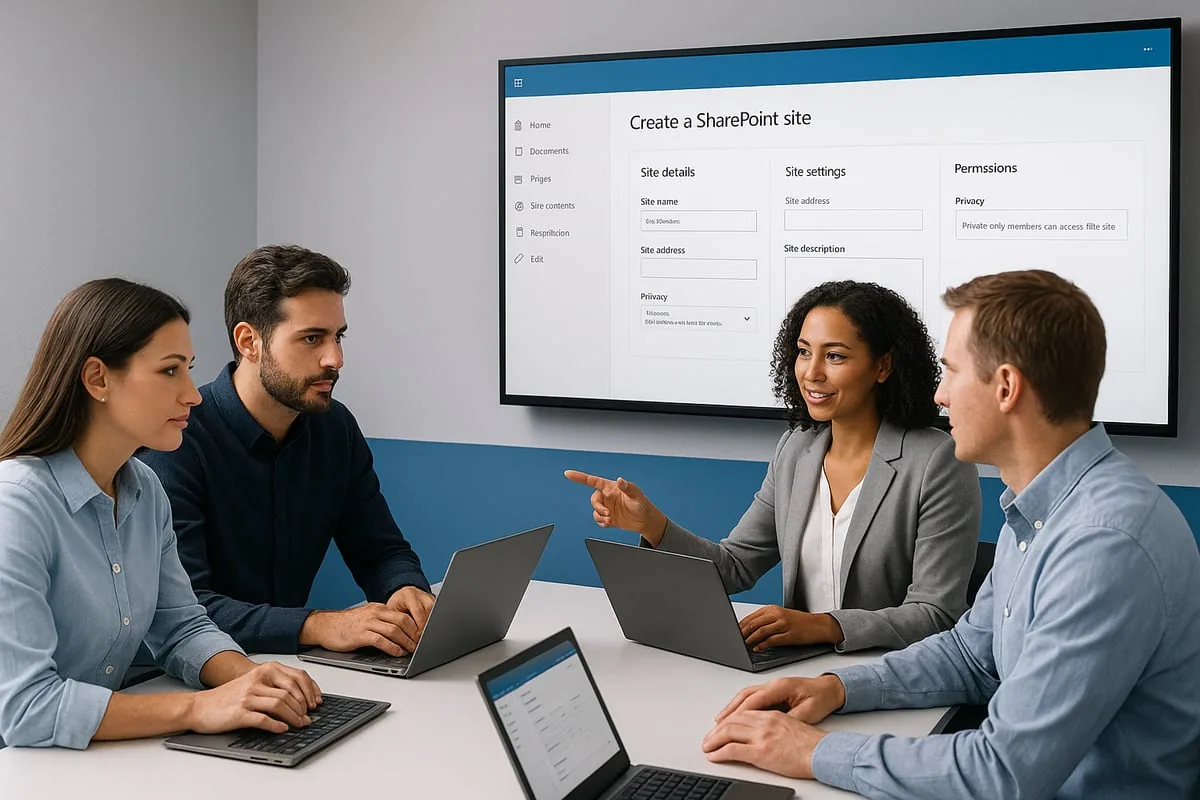
To successfully create a SharePoint site, organizations must first confirm technical and organizational readiness. Having the correct permissions is essential, specifically SharePoint Administrator or an equivalent role. Ensure your Microsoft 365 environment or SharePoint Server 2026 is configured and properly licensed. Check browser compatibility, with Microsoft Edge being the recommended choice for optimal performance. For a detailed checklist and additional guidance, refer to the resource Manage site creation in SharePoint.
Technical and Organizational Requirements
Before creating a SharePoint site, ensure you meet all technical prerequisites. Confirm you have administrative access, as only users with the correct permissions can initiate site creation. Verify that your organization’s Microsoft 365 or SharePoint Server 2026 configuration is complete and all necessary software updates have been applied. Use a compatible browser to avoid unexpected issues during site setup.
- Ensure SharePoint Administrator rights
- Microsoft 365 environment or SharePoint Server 2026
- Microsoft Edge or other supported browser
These steps form the basis for a smooth site creation process.
Defining Site Purpose and Scope
When creating a SharePoint site, clarity on the site’s purpose is crucial. Start by identifying key stakeholders and gathering requirements through interviews or surveys. Decide if you need a Team Site for collaboration, a Communication Site for broad announcements, or a Classic Site for legacy needs. Map out the intended site hierarchy, considering hub sites and subsites, and plan navigation to improve the user experience.
- Identify stakeholders and key objectives
- Choose the right site type for your needs
- Plan site hierarchy and navigation structure
Editorial Policy
At Avantit, we value authenticity and human expertise. This article was written and reviewed by our experts, ensuring technical accuracy grounded in real-world projects. We do not publish content generated exclusively by AI without validation by one of our consultants.
Share and Comment
Related Topics
Keep reading
More articles on this topic.
Find Any File in SharePoint: A Practical Search Guide for Teams
If your team wastes time hunting for documents in SharePoint, the problem is not the tool — it is how they search. A practical advanced-search guide, with examples, for decision-makers and teams.
12 minAn Intranet in Days, Not Months: How SharePoint Templates Accelerate Implementation
How to use industry-specific SharePoint templates to launch a professional intranet in days. Template vs custom comparison, AvantIT's 22 templates, and the implementation process.
8 minSharePoint in 2026 Is Not a File Manager — It's Your Company's Brain
Learn how to use SharePoint as a knowledge management system in 2026: Microsoft Semantic Index, Copilot, and 4 practical use cases for SMEs that want to adopt AI successfully.
7 minIf this sounds familiar because it is your problem, not just curiosity:
SharePoint and Modern Work servicesEnjoyed this article?
Subscribe to our newsletter to receive more content like this or contact us to learn how we can implement these solutions in your company.