
Modernize SharePoint: Strategic Value of SPFx and React
 Arsénio Ferraz
 For many decision-makers, SharePoint is often seen merely as a document repository. However, with the modern approach of the SharePoint Framework (SPFx), the platform transforms into a dynamic digital hub capable of boosting productivity and centralizing company operations.
Digital Transformation Beyond Storage
The modern workplace demands more than just shared folders and files. It requires integrated dashboards, quick access to critical information, and interfaces that employees actually enjoy using. This is where the SharePoint Framework (SPFx) comes in.
Unlike old customizations that were complex and difficult to maintain, SPFx is the official model recommended by Microsoft. It is the same technology that Microsoft itself uses to build SharePoint Online, ensuring that your investment in customization is secure, scalable, and future-proof.
What is Possible to Build?
Modernization via SPFx is divided mainly into two major capabilities that offer immediate business value:
1. Web Parts: Intelligent Building Blocks
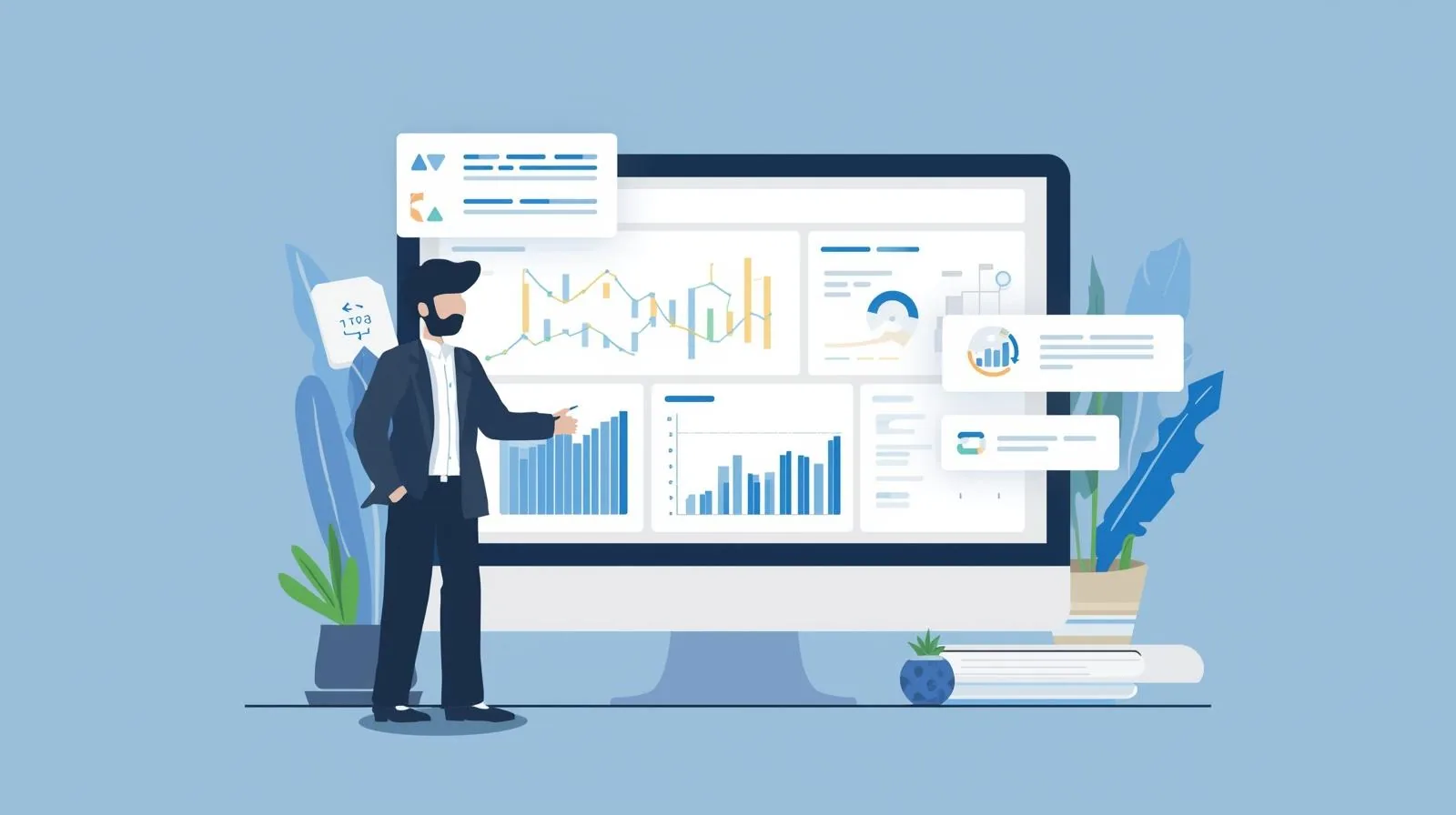
Web Parts are like "widgets" or mini-applications that can be dragged and dropped onto any SharePoint page. For a decision-maker, this means the ability to create:
- Executive Dashboards: Real-time visualization of KPIs, extracted from systems like SAP or Salesforce, but presented directly within the intranet.
- Productivity Tools: Custom team calendars, room booking systems, or segmented corporate news feeds.
- Business Applications: Approval forms or task management tools that live within the context where the team is already working.
2. Extensions: Customizing the Global Experience
Extensions allow you to change the behavior and appearance of SharePoint transversally:
- Global Notifications: Warning bars at the top of the intranet for critical communications (e.g., IT or HR alerts).
- Custom Menus: Additional context on documents, such as a "Send for Signature" or "Legally Archive" button directly in the file menu.
- Consistent Branding: Ensuring that headers and footers reflect the company's visual identity across all sites.
Why React? The User Experience (UX) Advantage

One often hears about "React" in a technical context, but its value for business is tangible. React is the interface technology used by Facebook, Instagram, and primarily, by Microsoft 365 itself.
By developing SharePoint solutions with React, your company gains:
- Superior Performance: Pages load instantly, without the sluggishness typical of old intranets.
- Native Look and Feel: Custom solutions look like they belong in SharePoint. Buttons, menus, and text boxes follow Microsoft's design system (Fluent UI), reducing the learning curve for employees.
- Mobile First: Applications work perfectly on the SharePoint mobile app, allowing the workforce to access critical tools anywhere.
Investing in Efficiency
Adopting SPFx is not just a technical decision; it is a strategy to maximize the ROI of your Microsoft 365 subscription. Instead of purchasing external software for every small need (alert tools, simple task management, employee portals), you can build tailored, secure solutions integrated into the ecosystem you already own.
At Avantit, we help organizations design these digital experiences, focusing not on the code, but on the impact these tools will have on your teams' daily lives.
Editorial Policy
At Avantit, we value authenticity and human expertise. This article was written and reviewed by our experts, ensuring technical accuracy grounded in real-world projects. We do not publish content generated exclusively by AI without validation by one of our consultants.
Share and Comment
Related Topics
Keep reading
More articles on this topic.
Find Any File in SharePoint: A Practical Search Guide for Teams
If your team wastes time hunting for documents in SharePoint, the problem is not the tool — it is how they search. A practical advanced-search guide, with examples, for decision-makers and teams.
12 minAn Intranet in Days, Not Months: How SharePoint Templates Accelerate Implementation
How to use industry-specific SharePoint templates to launch a professional intranet in days. Template vs custom comparison, AvantIT's 22 templates, and the implementation process.
8 minSharePoint in 2026 Is Not a File Manager — It's Your Company's Brain
Learn how to use SharePoint as a knowledge management system in 2026: Microsoft Semantic Index, Copilot, and 4 practical use cases for SMEs that want to adopt AI successfully.
7 minIf this sounds familiar because it is your problem, not just curiosity:
SharePoint and Modern Work servicesEnjoyed this article?
Subscribe to our newsletter to receive more content like this or contact us to learn how we can implement these solutions in your company.