

Store team hub
Retail
UrbanCart Stores
Campaign hero carousel, tile quick links, news cards, trading pulse KPIs and a gradient staff discount CTA.
View templateAn agency intranet that puts client accounts, coverage and teams on the same page.
Managing partner note, agency news wall, pitch desk with unstaffed roles, press template library and a searchable contacts directory.
An AvantIT reference solution for Communications & PR: the starting point we adapt to your organisation and implement in your Microsoft 365 tenant.
Sector
Communications & PR
This is the real layout demo, with a fictional brand. Navigate between pages, open menus and test it at different screen sizes. During implementation, all of it is adapted to your organisation.
Navigation inside the demo is live: browse the news, department and contacts pages exactly as you would in SharePoint.
A SharePoint Online template for communications, public relations and marketing agencies. It organises client accounts, media coverage, pitch staffing requests and press release libraries in a single hub, with separate areas for PR and public affairs, digital and social, content and creative, and events and influencer.
Region: Portugal (Porto, Lisbon) and Europe
Sections and web parts that make up this reference solution. During implementation we keep, adapt or add whatever makes sense for your organisation.
Every reference solution includes the landing page plus three supporting pages, already wired into the navigation.
The layout you are viewing uses the fictional brand Northlight Communications. During implementation we apply your company colours, typography, logo and photography, and adapt section names and navigation to your organisation.
AvantIT implements this intranet from Matosinhos, Porto, for clients nationwide and across Europe. On-site meetings in Greater Porto and Greater Lisbon, or fully remote.
A short path with no surprises, from first contact to proposal.
01
An initial conversation to understand your goals, your teams and the current state of Microsoft 365 in your organisation.
02
We walk you through the Communications & PR template and what can be adapted: structure, sections, brand and integrations.
03
Together we identify what makes sense to implement: pages, content migration, permissions and integrations.
04
Investment is defined according to the agreed scope. No commitment until then.
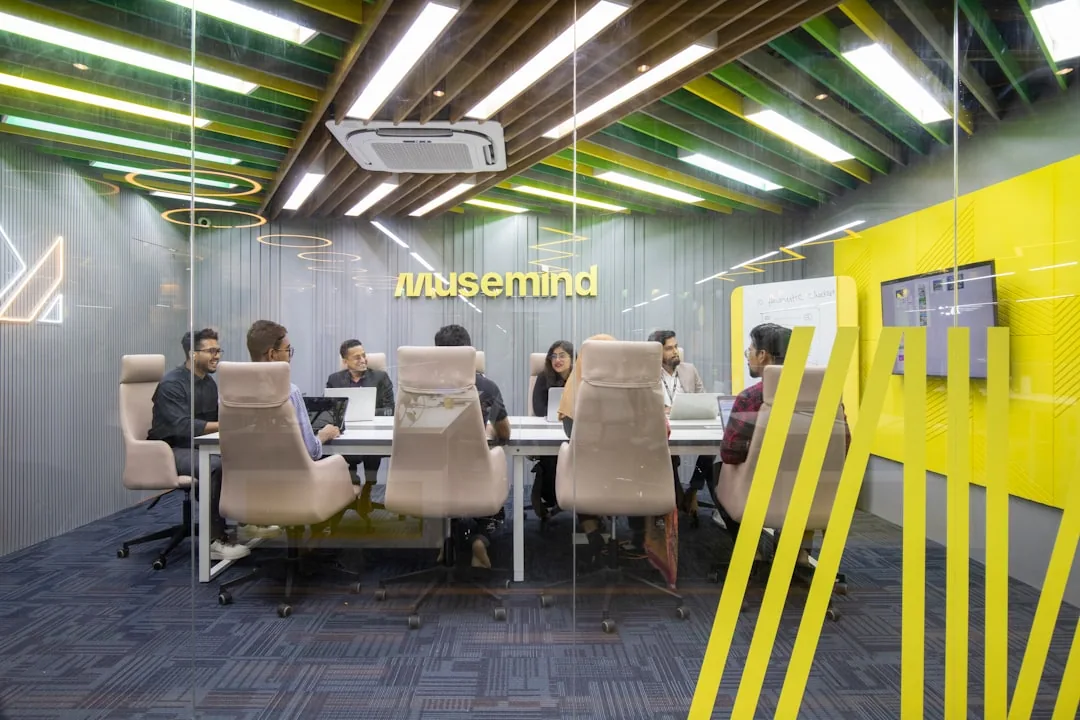
Case study · Communications & Public Relations
Iberian Communications Consultancy
One digital workplace across two countries and four agency units
Read the case studyIt includes the intranet landing page plus three supporting pages (news, department and contacts), with breaking banner for embargoes and the day’s media coverage, managing partner note highlighting newly won accounts, news wall segmented by unit: insight, craft and people and the remaining sections visible in the demo. Everything is built from native SharePoint Online web parts and adapted to your organisation during implementation.
No. This template is an AvantIT reference solution, not a downloadable file or a package to install. It is the starting point for an implementation project: our team adapts the structure, brand and content to your organisation and publishes the intranet in your Microsoft 365 tenant.
Implementation is an AvantIT service and the investment depends on scope: the number of sites and pages, the volume of content to migrate, integrations with other systems and the level of customisation. That is why there is no list price. After an initial conversation and scoping, we present a fixed proposal, with no commitment until then.
An intranet based on a catalog reference solution usually goes live in 2 to 4 weeks, including branding, migration of essential content and editor training. Projects with several sites or more complex integrations can take longer; the timeline is part of the proposal.
The template is the agency’s communication layer; client accounts live in their own sites connected to this hub. During implementation we add an automatically provisioned client workspace template, with per-account permission groups, Microsoft Purview sensitivity labels for embargoed material and time-limited external sharing — so competing brands never share a space.
Yes, that is how it works. The example uses the fictional brand Northlight Communications; during implementation we apply your colours, typography, logo and photography, and adapt sections and navigation to your organisation.
UrbanCart Stores
Campaign hero carousel, tile quick links, news cards, trading pulse KPIs and a gradient staff discount CTA.
View templateNexcore Systems
Pill quick links with a status badge, featured-story mosaic, engineering pulse KPIs and a Demo Friday CTA.
View templateAlcove Hotels & Resorts
Warm palette, guest review spotlight, occupancy KPIs and property events with RSVP actions.
View templateBook 30 minutes with our team. We show the solution with your brand and scope the implementation.